Developing with an IDE
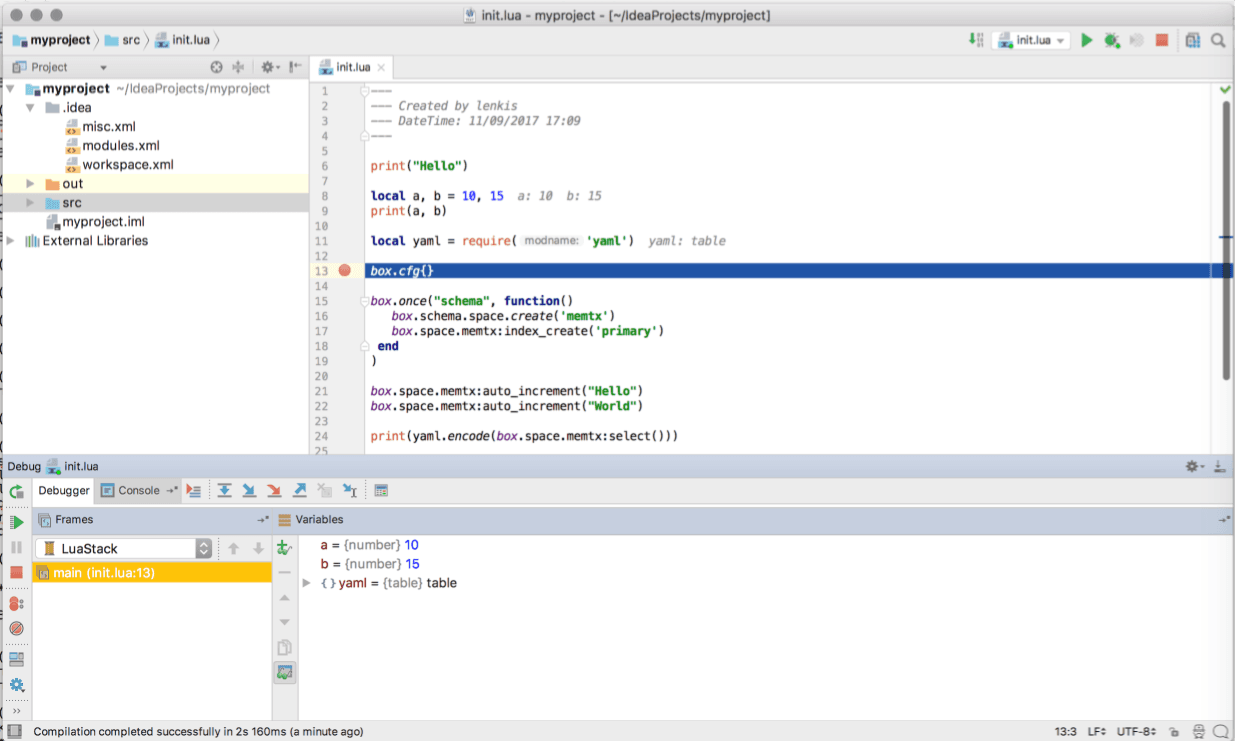
You can use IntelliJ IDEA as an IDE to develop and debug Lua applications for Tarantool.
-
Download and install the IDE from the official web-site.
JetBrains provides specialized editions for particular languages: IntelliJ IDEA (Java), PHPStorm (PHP), PyCharm (Python), RubyMine (Ruby), CLion (C/C++), WebStorm (Web) and others. So, download a version that suits your primary programming language.
Tarantool integration is supported for all editions.
-
Configure the IDE:
a. Start IntelliJ IDEA.
b. Click
Configurebutton and selectPlugins.c. Click
Browse repositories.d. Install
EmmyLuaplugin.<info>Please don't be confused with `Lua` plugin, which is lesspowerful than `EmmyLua`.</info>e. Restart IntelliJ IDEA.
f. Click
Configure, selectProject Defaultsand thenRun Configurations.g. Find
Lua Applicationin the sidebar at the left.h. In
Program, type a path to an installedtarantoolbinary.By default, this is `tarantool` or `/usr/bin/tarantool` on mostplatforms.If you installed `tarantool` from sources to a custom directory,please specify the proper path here.Now IntelliJ IDEA is ready to use with Tarantool. -
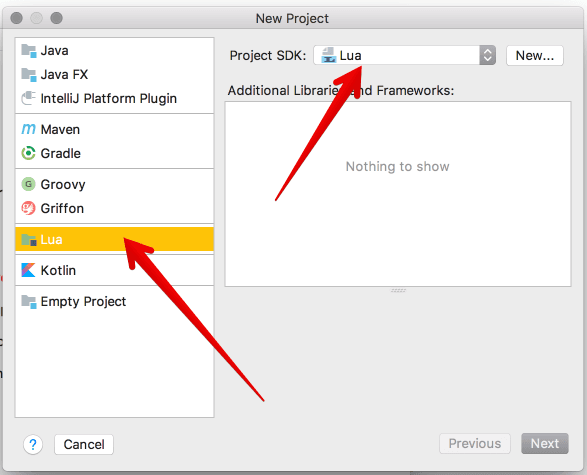
Create a new Lua project.
-
Add a new Lua file, for example
init.lua.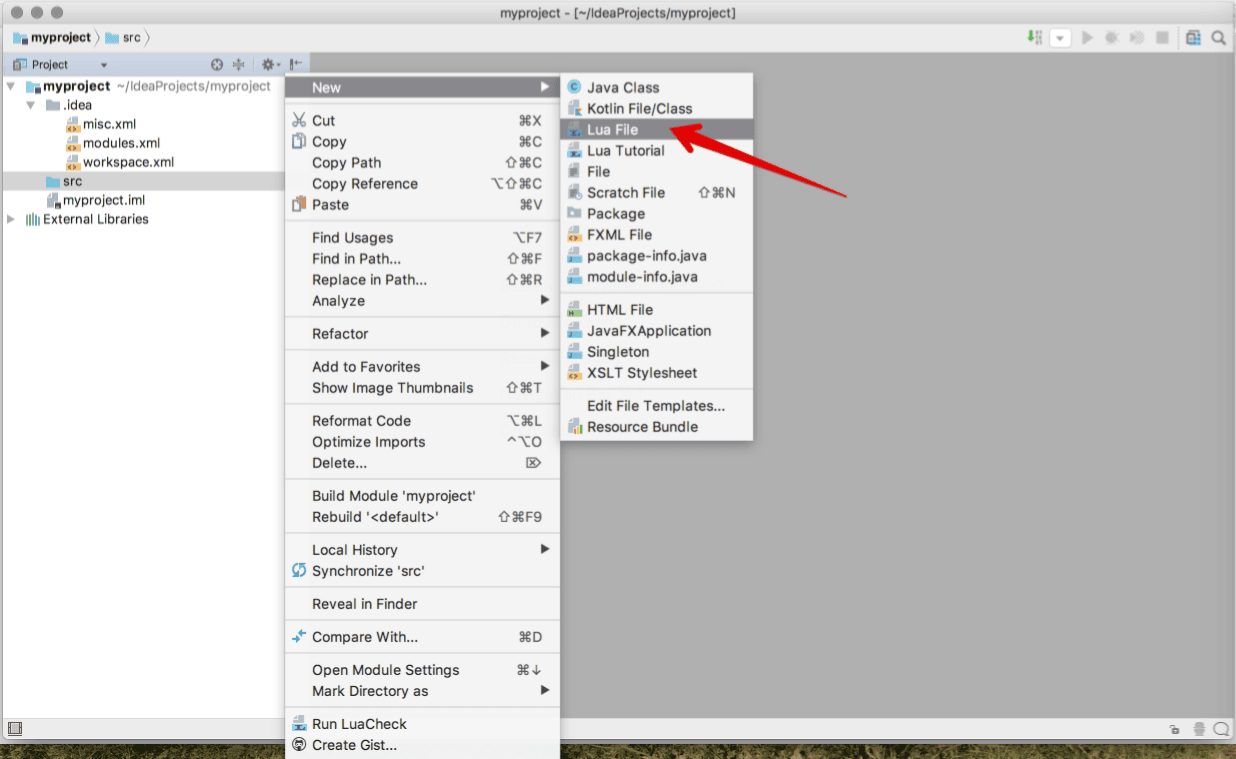
-
Write your code, save the file.
-
To run you application, click
Run -> Runin the main menu and select your source file in the list.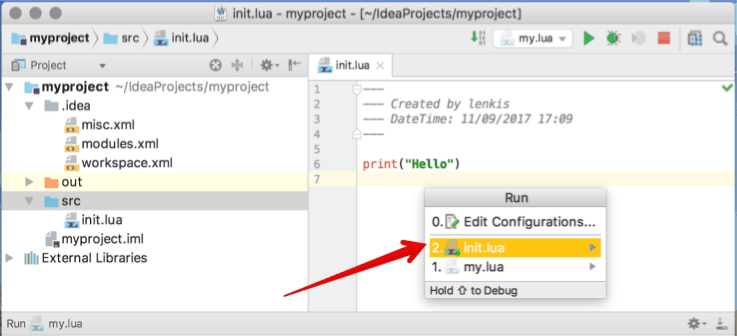
Or click
Run -> Debugto start debugging.