Configuration
This topic describes how to configure Тarantool Cluster Manager. For the complete list of TCM configuration parameters, see the TCM configuration reference.
Тarantool Cluster Manager configuration is a set of parameters that define various aspects of TCM functioning. Parameters are grouped by the particular aspect that they affect. There are the following groups:
- HTTP
- logging
- configuration storage
- security
- add-ons
- limits
- TCM running mode
Parameter groups can be nested. For example, in the http group there
are tls and websession-cookie groups, which define TLS encryption
and cookie settings.
Parameter names are the full paths from the top-level group to the specific parameter. For example:
http.hostis thehostparameter that is defined directly in thehttpgroup.http.tls.enabledis theenabledparameter that is defined in thetlsnested group withinhttp.
There are three ways to pass TCM configuration parameters:
- a YAML file
- environment variables
- command-line options of the TCM executable
TCM configuration can be stored in a YAML file. Its structure must reflect the configuration parameters hierarchy.
The example below shows a fragment of a TCM configuration file:
# a fragment of a YAML configuration filecluster: # top-level groupconnection-rate-limit: 512tarantool-timeout: 10starantool-ping-timeout: 5shttp: # top-level groupnetwork: tcphost: 127.0.0.1port: 8080request-size: 1572864websocket: # nested groupread-buffer-size: 16384write-buffer-size: 16384keepalive-ping-interval: 20shandshake-timeout: 10sinit-timeout: 15s
To start TCM with a YAML configuration, pass the location of the
configuration file in the -c command-line option:
$ tcm -c=config.yml
TCM can take values of its configuration parameters from environment
variables. The variable names start with TCM_. Then goes the full path
to the parameter, converted to upper case. All delimiters are replaced
with underscores (_). Examples:
TCM_HTTP_HOSTis a variable for thehttp.hostparameter.TCM_HTTP_WEBSESSION_COOKIE_NAMEis a variable for thehttp.websession-cookie.nameparameter.
The example below shows how to start TCM with configuration parameters passed in environment variables:
$ export TCM_HTTP_HOST=0.0.0.0$ export TCM_HTTP_PORT=8888$ tcm
The TCM executable has -- command-line options for each configuration
parameter. Their names reflect the full path to the parameter, with
configuration levels separated by periods (.). Examples:
--http.hostis an option forhttp.host.--http.websession-cookie.nameis an option forhttp.websession-cookie.name.
The example below shows how to start TCM with configuration parameters passed in command-line options:
$ tcm --storage.etcd.embed.enabled --addon.enabled --http.host=0.0.0.0 --http.port=8888
TCM configuration options are applied from multiple sources with the following precedence, from highest to lowest:
tcmexecutable arguments.TCM_*environment variables.- Configuration from a YAML file.
If the same option is defined in two or more locations, the option with the highest precedence is applied. For options that aren't defined in any location, the default values are used.
You can combine different ways of TCM configuration for efficient management of multiple TCM installations:
- A single YAML file for all installations can contain the common configuration parts. For example, a single configuration storage that is used for all installations, or TLS settings.
- Environment variables that set specific parameters for each server, such as local directories and paths.
- Command-line options for parameters that must be unique for different
TCM instances running on a single server. For example,
http.port.
TCM configuration parameters have the Go language types. Note that this is different from the Tarantool configuration parameters, which have Lua types.
Most options have the Go's basic types: int and other numeric types,
bool, string.
http:network: tcp # stringhost: 127.0.0.1 # stringport: 8080 # intrequest-size: 1572864 # int64
Parameters that can take multiple values are arrays. In YAML, they are passed as YAML arrays: each item on a new line, starting with a dash.
storage:provider: etcdetcd:endpoints: # array- https://192.168.0.1:2379 # item 1- https://192.168.0.2:2379 # item 2
Parameters that set timeouts, TTLs, and other duration values, have the
Go's time.Duration type. Their
values can be passed in time-formatted strings such as 4h30m25s.
cluster:tarantool-timeout: 10s # durationtarantool-ping-timeout: 5s # duration
Finally, there are parameters whose values are constants defined in Go packages. For example, http.websession-cookie.same-site values are constants from the Go's http.SameSite type. To find out the exact values available for such parameters, refer to the Go packages documentation.
http:websession-cookie:same-site: SameSiteStrictMode
You can create a YAML configuration template for TCM with all parameters
and their default values using the generate-config option of the tcm
executable.
To write a default TCM configuration to the tcm.example.yml file, run:
$ tcm generate-config > tcm.example.yml.
You can use YAML configuration files to create entities in TCM automatically upon the first start. These entities are defined in the tcm_configuration_reference_initial section of the configuration file.
To add clusters to TCM upon the first start, specify their settings in the initial-settings.clusters configuration section.
The initial-settings.clusters section is an array whose items describe
separate clusters, for example:
initial-settings:clusters:- name: Cluster 1description: First cluster# cluster settings- name: Cluster 2description: Second cluster# cluster settings
In this configuration, you can specify all cluster settings that you define when connecting clusters through the TCM web interface. This includes:
- the cluster name
- description
- additional URLs
- configuration storage connection
- Tarantool instances connection
- and other settings.
For the full list of cluster configuration parameters, see the initial-settings.clusters reference. For example, this is how you add a cluster that uses an etcd configuration storage:
initial-settings:clusters:- name: My clusterdescription: Cluster descriptionurls:- label: Testurl: http://example.comstorage-connection:provider: etcdetcd-connection:endpoints:- http://127.0.0.1:2379username: ""password: ""prefix: /cluster1tarantool-connection:username: guestpassword: ""
By default, TCM contains a cluster named Default cluster with ID
00000000-0000-0000-0000-000000000000. You can use this ID to modify
the default cluster settings upon the first TCM start. For example,
rename it and add its connection settings:
initial-settings:clusters:- id: 00000000-0000-0000-0000-000000000000name: My clusterstorage-connection:provider: etcdetcd-connection:endpoints:- http://127.0.0.1:2379username: etcd-userpassword: secretprefix: /cluster1tarantool-connection:username: guestpassword: ""
TCM allows you to export the configuration to a file (or to stdout).
During export, sensitive data is removed or masked from the configuration so that the resulting file can be safely shared and used as a template.
The exported file starts with a warning comment that lists:
- removed credentials;
- fields that must be filled in manually before the configuration can be used.
The list of hidden or removed fields has been extended:
- the following values are replaced with placeholders:
- storage usernames and passwords;
- cluster usernames;
security.bootstrap-password;security.bootstrap-api-token;test.login-credentials.
- the following parameters are completely excluded from the exported file:
security.encryption-key;security.encryption-key-file;security.signature-private-key-file.
Starting with TCM 1.11.0, you can export the configuration from the storage. If the Tarantool version doesn't support export from the storage, TCM shows an informative message recommending that you upgrade Tarantool.
Use the tcm config export command to export the configuration.
Command flags:
--output, -o— path to the configuration file; the output is written tostdoutby default.
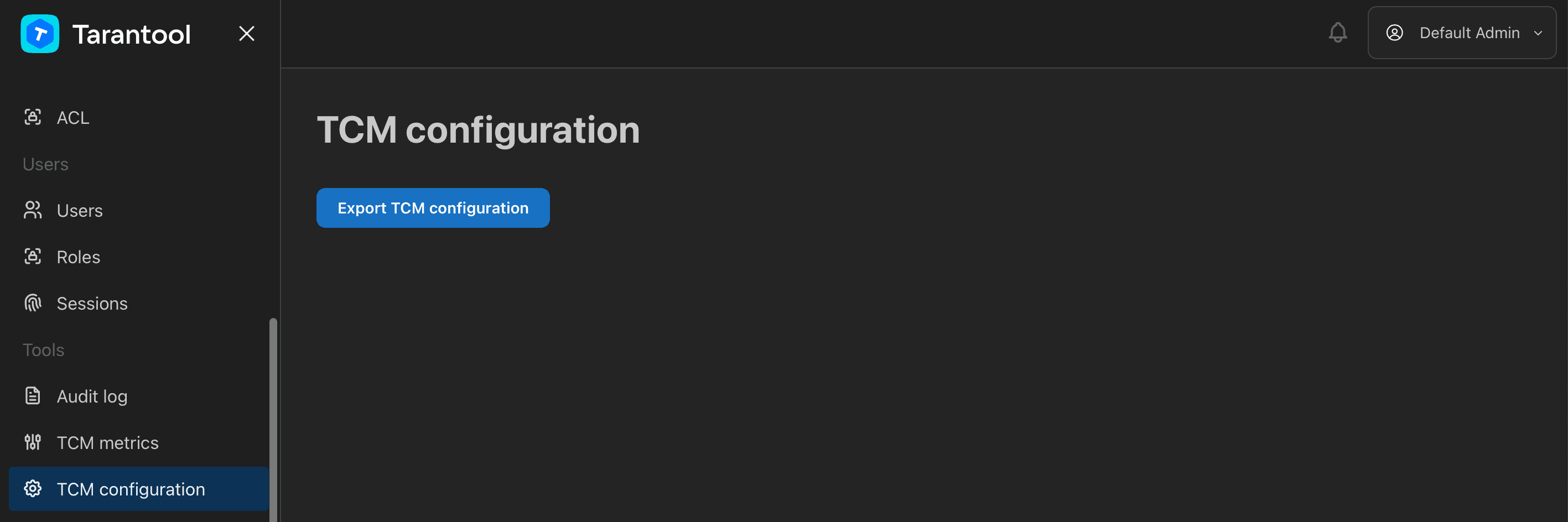
Configuration export with hidden user passwords is available not only via CLI but also via the Web UI: the Tools section contains the TCM configuration page, where you can export the TCM configuration through the interface.